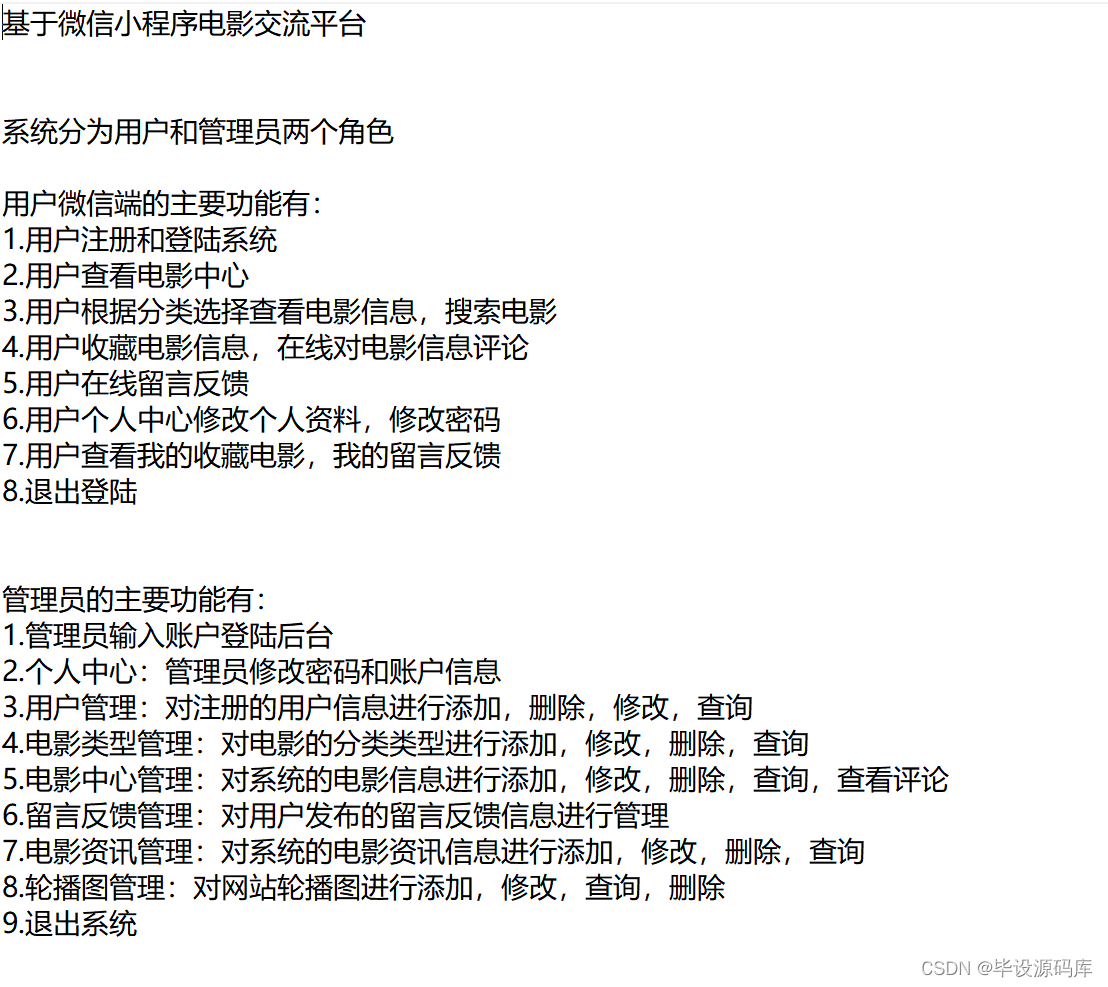
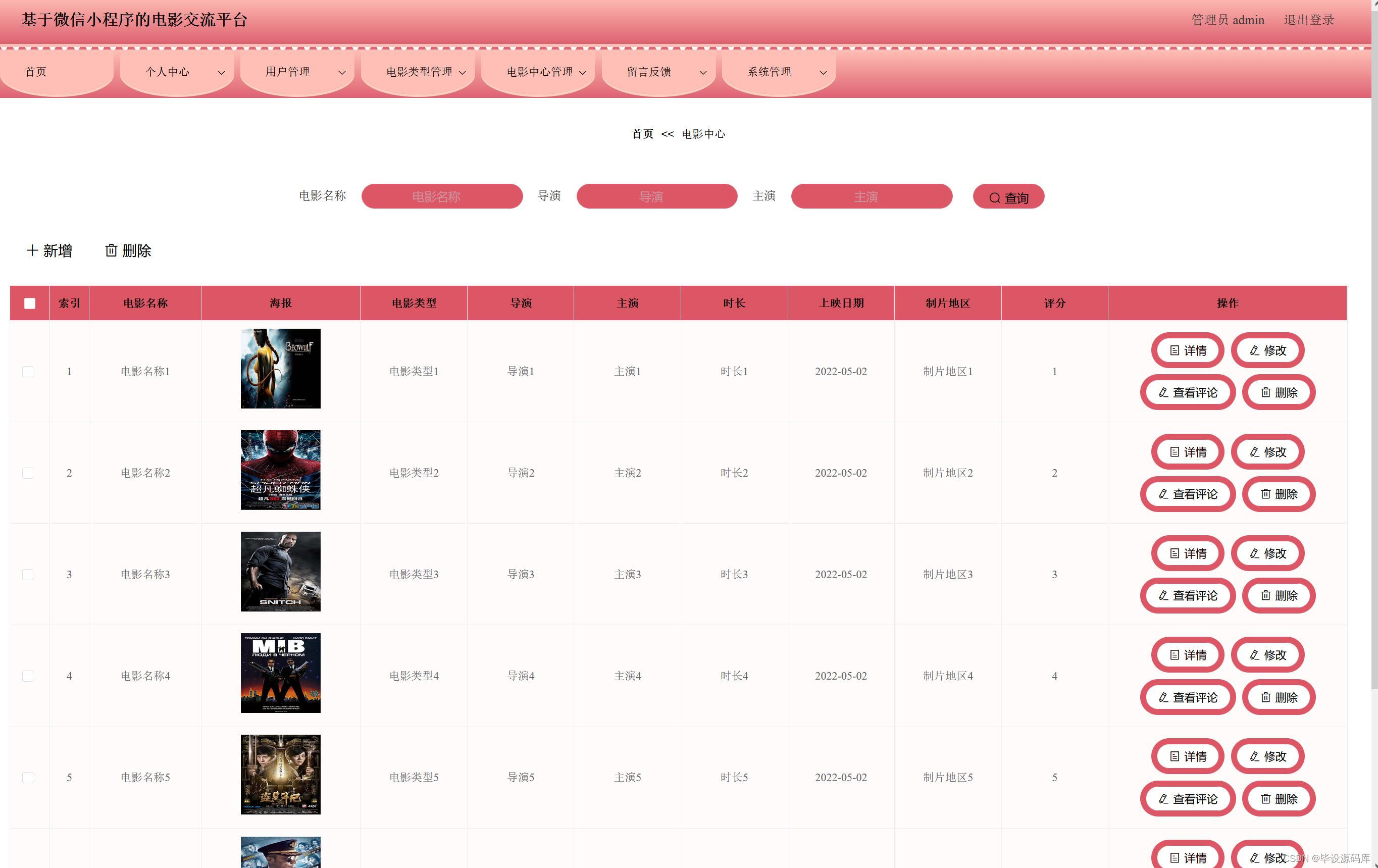
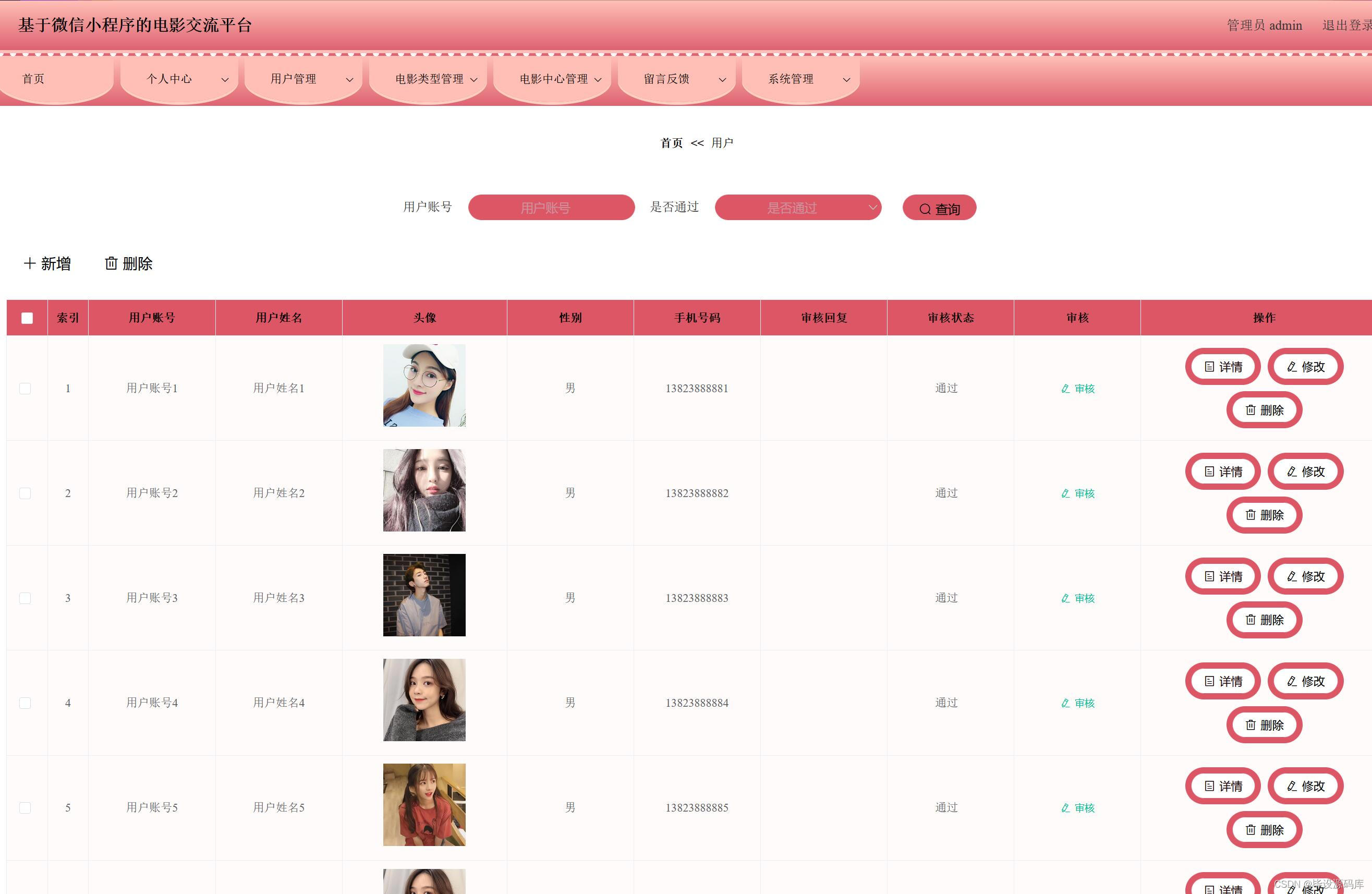
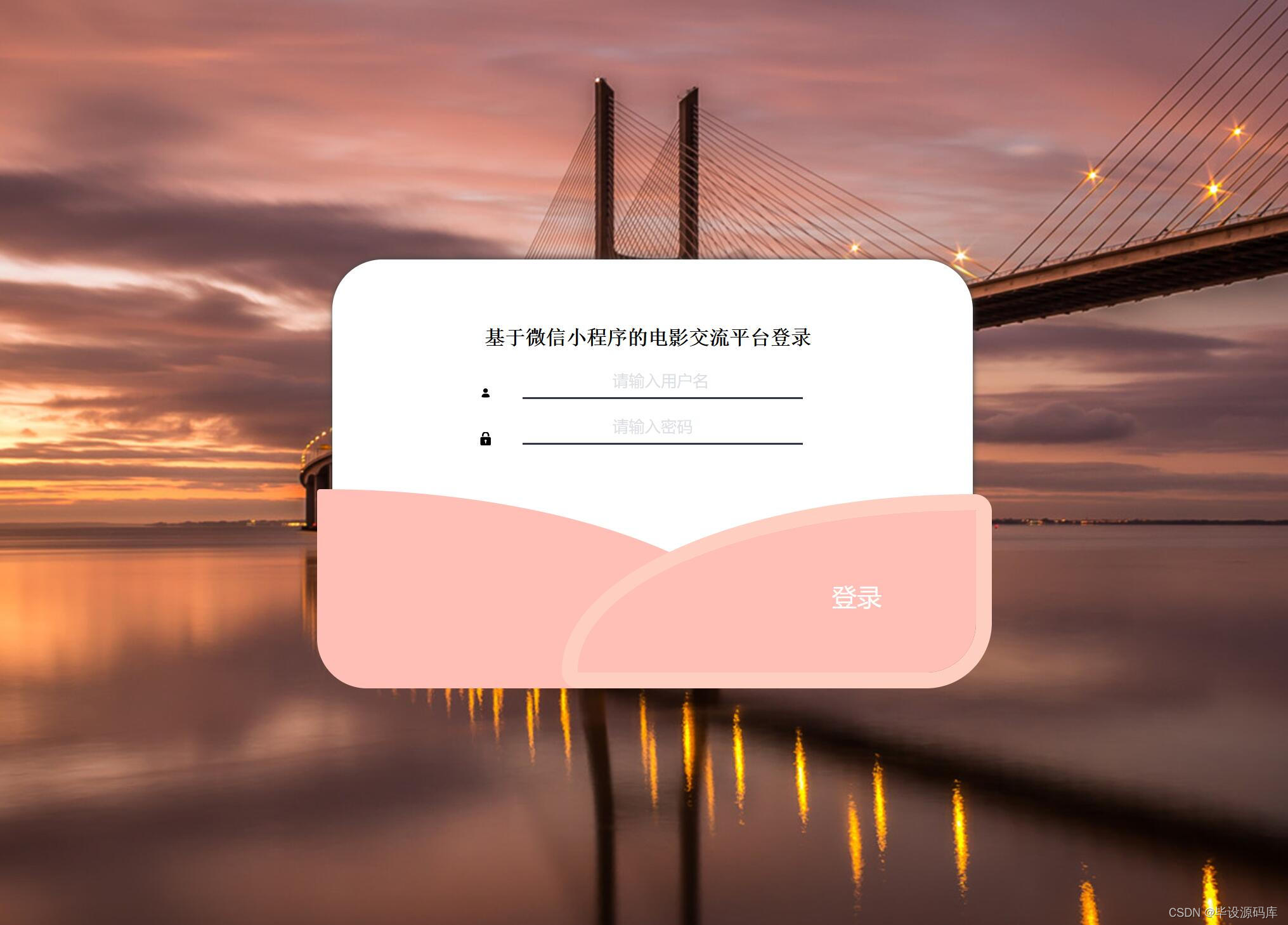
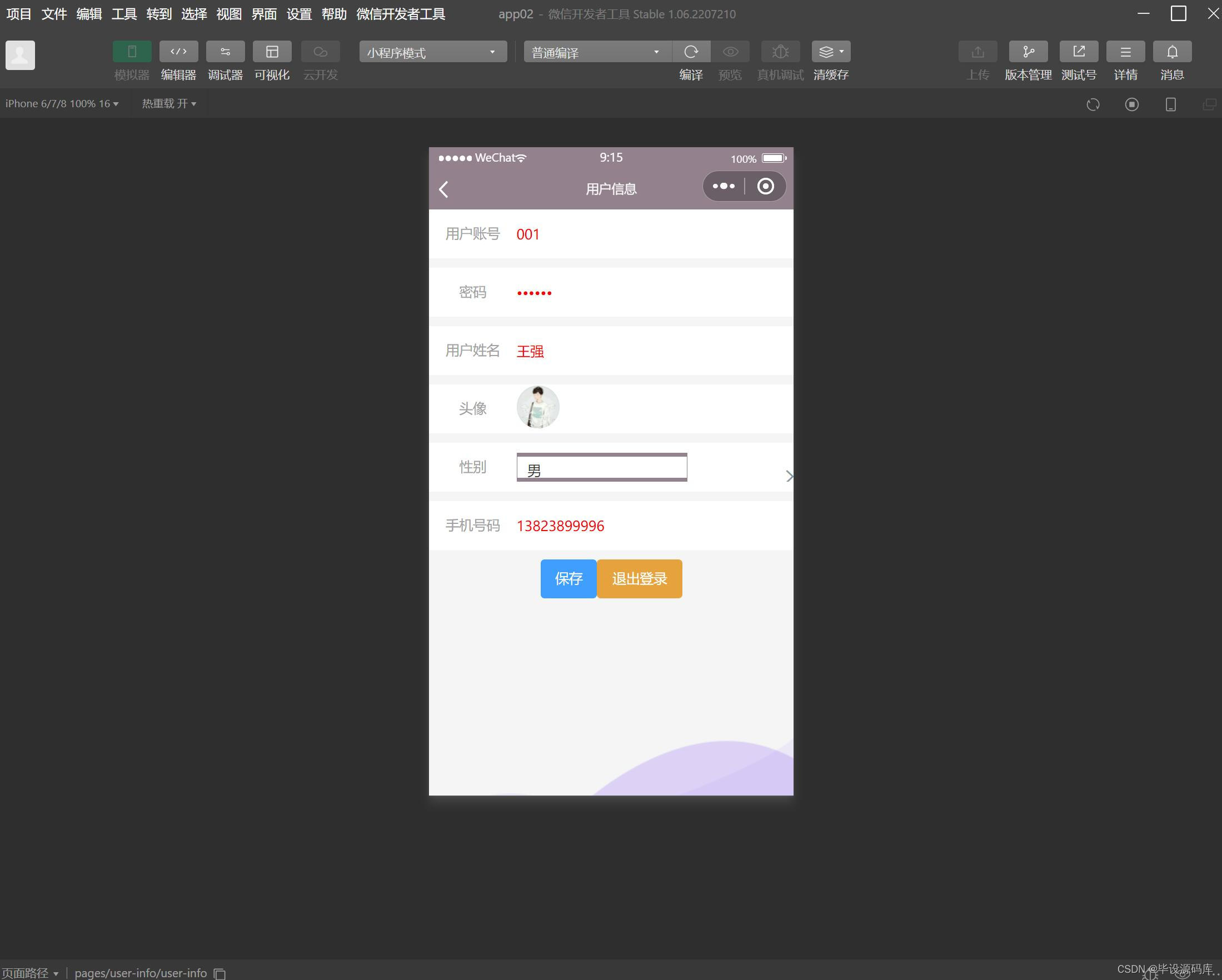
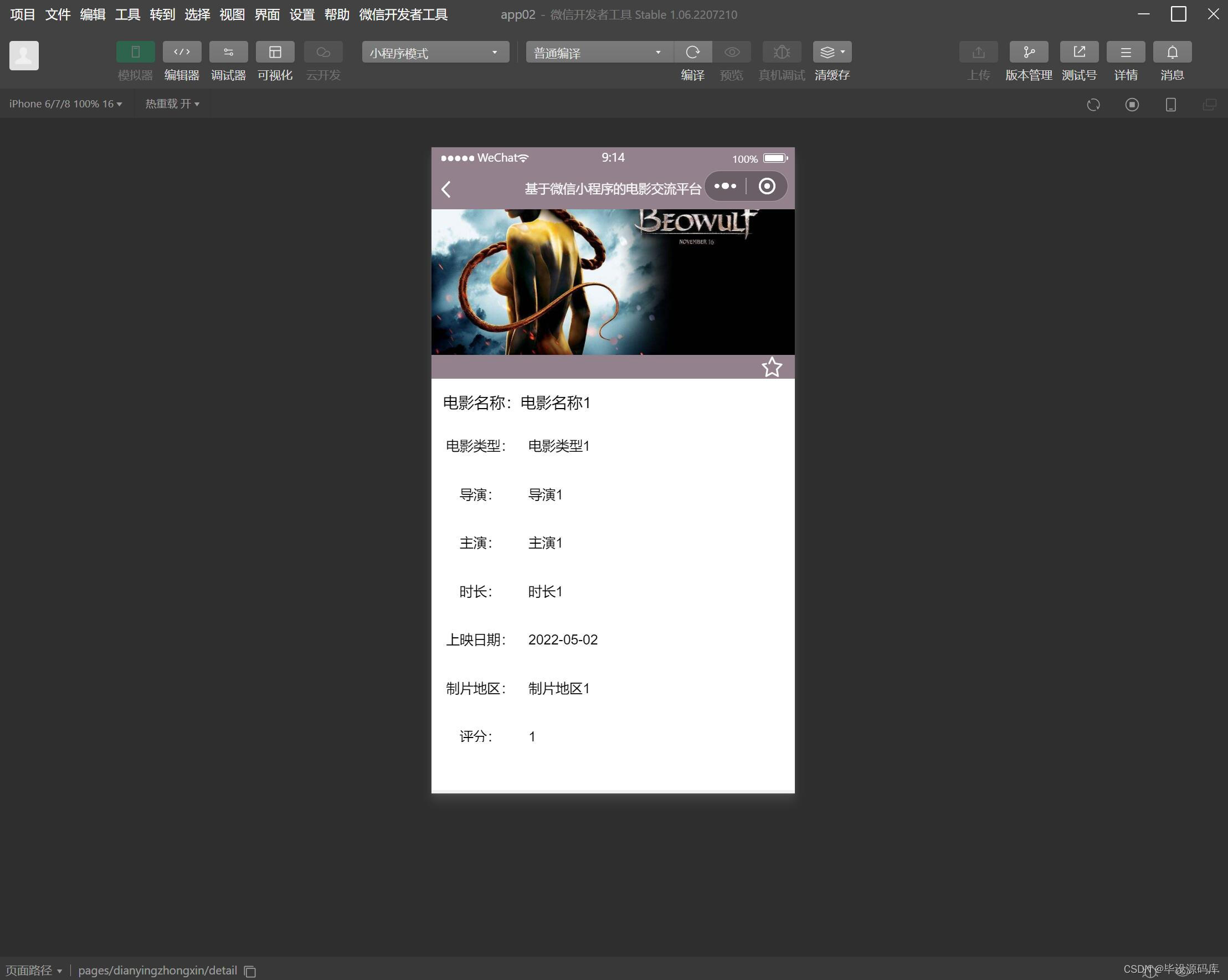
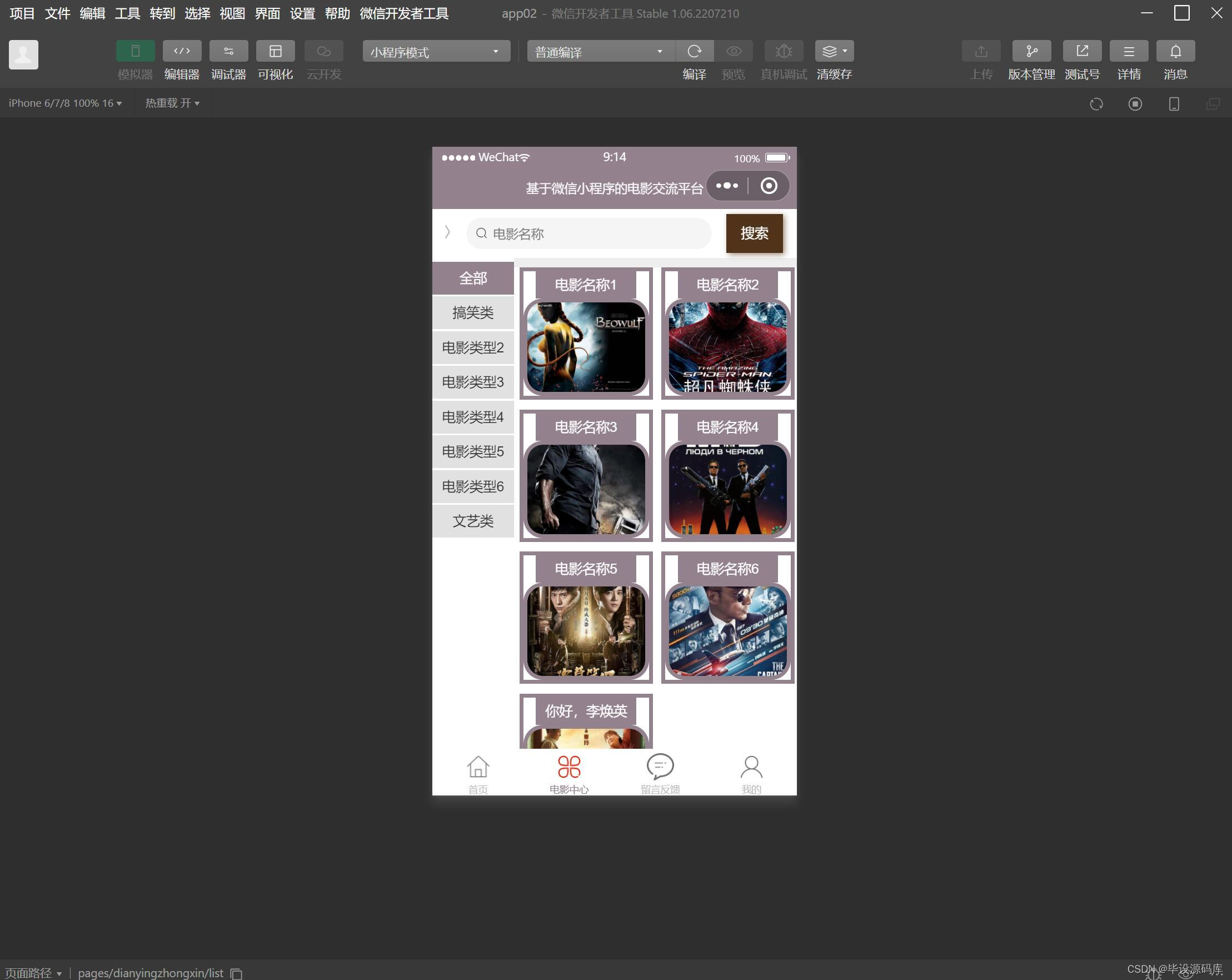
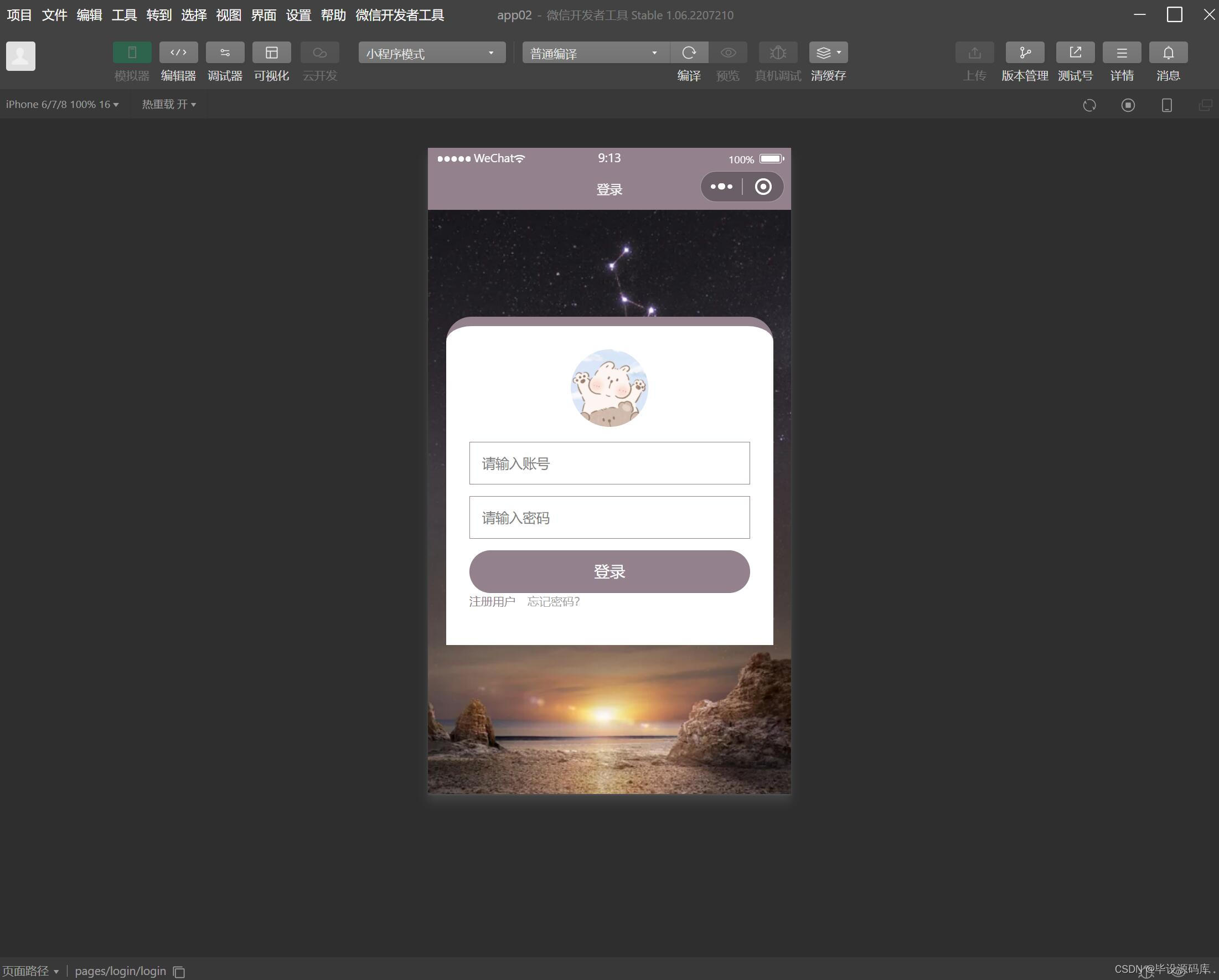
电影交流平台是基于java编程语言,mysql数据库,idea开发工具开发的后台,前端是微信小程序开发工具开发。本设计分为用户和管理员两个角色,其中用户可以登陆微信端,查看电影信息,查看电影分类,对电影在线评论,留言反馈,修改个人资料。管理员登陆系统对用户信息,电影分类,电影信息,留言反馈,电影评论,电影资讯进行管理。本系统界面简洁,文档齐全,适合作为微信小程序毕业设计参考和学习。
jdk版本:1.8 及以上
ide工具:IDEA ,微信小程序开发工具
数据库: mysql5.7 (必须5.7)
编程语言: Java
tomcat: 8.0 及以上
java框架:SSM
maven: 3.6.1
前端:vue,微信
详细技术:HTML+CSS+JS+JSP+JAVA+SSM+MYSQL+JQUERY+MAVEN+微信开发工具

package com.lmu.controller;
/**
 * 和登陆有关的都在这里
 */

import com.opensymphony.xwork2.ActionContext;
import com.opensymphony.xwork2.ActionSupport;
import com.lmu.model.Role;
import com.lmu.model.User;
import com.lmu.service.RoleService;
import com.lmu.service.UserService;
import com.lmu.utils.JsonUtils;
import com.lmu.utils.UserUtils;

import org.apache.commons.collections.map.HashedMap;
import org.apache.struts2.ServletActionContext;
import org.springframework.beans.factory.annotation.Autowired;
import org.springframework.context.annotation.Scope;
import org.springframework.stereotype.Controller;

import java.io.IOException;
import java.util.HashMap;
import java.util.Map;

@Controller("loginController")
@Scope("prototype")
public class LoginController extends ActionSupport {
    @Autowired
    private UserService userService;
    @Autowired
    private RoleService roleService;
    private User user;
    private Map<String, Object> map = new HashMap();
    public User getUser() {
        return user;
    }

    public void setUser(User user) {
        this.user = user;
    }

    public UserService getUserService() {
        return userService;
    }

    public void setUserService(UserService userService) {
        this.userService = userService;
    }

    /**
 * 用户登陆
 * @return
 */
	public void index() throws IOException {
       User user1 = userService.getUser(user);
        if (user1 != null){
            if (user1.getIsSh() == 1){
                if (user1.getRole().getEnName().equals("admin")){
                    ActionContext.getContext().getSession().put("user", user1);
                }
                if (user1.getRole().getEnName().equals("js")){
                    ActionContext.getContext().getSession().put("user1", user1);
                }
                if (user1.getRole().getEnName().equals("xs")){
                    ActionContext.getContext().getSession().put("user2", user1);
                }
                map.put("flag", 1);
                map.put("url", "login_indexs.do");
                map.put("id", user1.getId());
                JsonUtils.toJson(map);
            } else {
                map.put("flag", 2);
                JsonUtils.toJson(map);
            }
        } else {
            map.put("flag", 3);
            JsonUtils.toJson(map);
        }
    }

    public String indexs() throws IOException {
        User u = UserUtils.getUser();
        if (u != null){
            ActionContext.getContext().put("user", u);
            String ss = u.getRole().getEnName();
            ActionContext.getContext().put("role", u.getRole().getEnName());
        }
        return SUCCESS;
    }
	//登陆页面
	public String login() {

        return SUCCESS;
	}

   //退出
	public String tuichu() {
		ActionContext ac = ActionContext.getContext();
		Map session = ac.getSession();
		session.remove("userName");
		session.remove("userId");
		ServletActionContext.getRequest().getSession().invalidate();
		return "login";
	}

}
package com.lmu.controller;

/**
 * 用户新增
 */

import com.opensymphony.xwork2.ActionContext;
import com.opensymphony.xwork2.ActionSupport;
import com.opensymphony.xwork2.ModelDriven;
import com.lmu.model.Role;
import com.lmu.model.User;
import com.lmu.service.RoleService;
import com.lmu.service.UserService;
import com.lmu.utils.JsonUtils;
import com.lmu.utils.Pager;
import com.lmu.utils.UserUtils;

import org.springframework.beans.factory.annotation.Autowired;
import org.springframework.context.annotation.Scope;
import org.springframework.stereotype.Controller;

import java.awt.event.FocusEvent;
import java.io.IOException;
import java.util.Date;
import java.util.HashMap;
import java.util.Map;

@Controller("userController")
@Scope("prototype")
public class UserController extends ActionSupport implements ModelDriven<User> {
    @Autowired
    private UserService userService;
    @Autowired
    private RoleService roleService;
    private User user;
    private Integer userId;
    private Map<String, Object> map = new HashMap();


    /**
     * list
     *
     * @return
     */
    public String list() throws IOException {
        User user1 = UserUtils.getUser();
        if (user1 == null || user1.getId() == null){
            ActionContext.getContext().put("login", 1);
            return SUCCESS;
        }
        Pager<User> pagers = null;
        Role role = user1.getRole();
        if (role.getEnName().equals("admin")) {
            pagers = userService.getList(user);
            ActionContext.getContext().put("pagers", pagers);
            ActionContext.getContext().put("user", user1);
            ActionContext.getContext().put("role", role);
            ActionContext.getContext().put("bean", user);
            return SUCCESS;
        } else if (role.getEnName().equals("xs") || role.getEnName().equals("js")) {
            pagers = userService.getList(user1);
            ActionContext.getContext().put("pagers", pagers);
            ActionContext.getContext().put("bean", user);
            return SUCCESS;
        }
        return null;
    }


    /**
     * 跳转add
     *
     * @return
     */
    public String add() {
        Pager<Role> pagers = roleService.pagers();
        ActionContext.getContext().put("pagers", pagers);
        return SUCCESS;
    }

    /**
     * 查询修改
     *
     * @return
     */
    public String edit() {
        User bean = userService.findById(userId);
        Pager<Role> pagers = roleService.pagers();
        ActionContext.getContext().put("bean", bean);
        ActionContext.getContext().put("pagers", pagers);
        return SUCCESS;
    }


    /**
     * 审核
     *
     * @return
     */
    public void updateSh() throws IOException {
        user.setIsSh(1);
        userService.updates(user);
        map.put("flag", true);
        map.put("url", "user_list.do");
        JsonUtils.toJson(map);
    }

    /**
     * 更新
     *
     * @return
     */
    public String update() throws IOException {
        if (user.getPass().equals("")){
            user.setPass(null);
        }
        userService.updates(user);
        map.put("flag", true);
        map.put("url", "user_list.do");
        JsonUtils.toJson(map);
        return SUCCESS;
    }

    /**
     * 保存
     *
     * @return
     */
    public void save() throws IOException {
        if (userService.getUser(user) != null){
            map.put("flag", false);
            map.put("url", "login_login.do");
            JsonUtils.toJson(map);
        } else {
            user.setTime(new Date());
            userService.save(user);
            map.put("flag", true);
            map.put("url", "login_login.do");
            JsonUtils.toJson(map);
        }
    }

    public void delete() throws IOException {
        User user1 = userService.findById(userId);
        user1.setIsDelete(1);
        userService.update(user1);
        map.put("flag", true);
        map.put("url", "user_list.do");
        JsonUtils.toJson(map);
    }

    @Override
    public User getModel() {
        if (user == null) {
            user = new User();
        }
        return user;
    }

    public Integer getUserId() {
        return userId;
    }

    public void setUserId(Integer userId) {
        this.userId = userId;
    }

    public User getUser() {
        return user;
    }

    public void setUser(User user) {
        this.user = user;
    }
}

导读:随着叮咚买菜业务的发展,不同的业务场景对数据分析提出了不同的需求,他们希望引入一款实时OLAP数据库,构建一个灵活的多维实时查询和分析的平台,统一数据的接入和查询方案,解决各业务线对数据高效实时查询和精细化运营的需求。经过调研选型,最终引入ApacheDoris作为最终的OLAP分析引擎,Doris作为核心的OLAP引擎支持复杂地分析操作、提供多维的数据视图,在叮咚买菜数十个业务场景中广泛应用。作者|叮咚买菜资深数据工程师韩青叮咚买菜创立于2017年5月,是一家专注美好食物的创业公司。叮咚买菜专注吃的事业,为满足更多人“想吃什么”而努力,通过美好食材的供应、美好滋味的开发以及美食品牌的孵
一、引擎主循环UE版本:4.27一、引擎主循环的位置:Launch.cpp:GuardedMain函数二、、GuardedMain函数执行逻辑:1、EnginePreInit:加载大多数模块int32ErrorLevel=EnginePreInit(CmdLine);PreInit模块加载顺序:模块加载过程:(1)注册模块中定义的UObject,同时为每个类构造一个类默认对象(CDO,记录类的默认状态,作为模板用于子类实例创建)(2)调用模块的StartUpModule方法2、FEngineLoop::Init()1、检查Engine的配置文件找出使用了哪一个GameEngine类(UGame
C#实现简易绘图工具一.引言实验目的:通过制作窗体应用程序(C#画图软件),熟悉基本的窗体设计过程以及控件设计,事件处理等,熟悉使用C#的winform窗体进行绘图的基本步骤,对于面向对象编程有更加深刻的体会.Tutorial任务设计一个具有基本功能的画图软件**·包括简单的新建文件,保存,重新绘图等功能**·实现一些基本图形的绘制,包括铅笔和基本形状等,学习橡皮工具的创建**·设计一个合理舒适的UI界面**注明:你可能需要先了解一些关于winform窗体应用程序绘图的基本知识,以及关于GDI+类和结构的知识二.实验环境Windows系统下的visualstudio2017C#窗体应用程序三.
前言一般来说,前端根据后台返回code码展示对应内容只需要在前台判断code值展示对应的内容即可,但要是匹配的code码比较多或者多个页面用到时,为了便于后期维护,后台就会使用字典表让前端匹配,下面我将在微信小程序中通过wxs的方法实现这个操作。为什么要使用wxs?{{method(a,b)}}可以看到,上述代码是一个调用方法传值的操作,在vue中很常见,多用于数据之间的转换,但由于微信小程序诸多限制的原因,你并不能优雅的这样操作,可能有人会说,为什么不用if判断实现呢?但是if判断的局限性在于如果存在数据量过大时,大量重复性操作和if判断会让你的代码显得异常冗余。wxswxs相当于是一个独立
项目介绍随着我国经济迅速发展,人们对手机的需求越来越大,各种手机软件也都在被广泛应用,但是对于手机进行数据信息管理,对于手机的各种软件也是备受用户的喜爱小学生兴趣延时班预约小程序的设计与开发被用户普遍使用,为方便用户能够可以随时进行小学生兴趣延时班预约小程序的设计与开发的数据信息管理,特开发了小程序的设计与开发的管理系统。小学生兴趣延时班预约小程序的设计与开发的开发利用现有的成熟技术参考,以源代码为模板,分析功能调整与小学生兴趣延时班预约小程序的设计与开发的实际需求相结合,讨论了小学生兴趣延时班预约小程序的设计与开发的使用。开发环境开发说明:前端使用微信微信小程序开发工具:后端使用ssm:VU
@作者:SYFStrive @博客首页:HomePage📜:微信小程序📌:个人社区(欢迎大佬们加入)👉:社区链接🔗📌:觉得文章不错可以点点关注👉:专栏连接🔗💃:感谢支持,学累了可以先看小段由小胖给大家带来的街舞👉微信小程序(🔥)目录自定义组件-behaviors 1、什么是behaviors 2、behaviors的工作方式 3、创建behavior 4、导入并使用behavior 5、behavior中所有可用的节点 6、同名字段的覆盖和组合规则总结最后自定义组件-behaviors 1、什么是behaviorsbehaviors是小程序中,用于实现
需求:要创建虚拟机,就需要给他提供一个虚拟的磁盘,我们就在/opt目录下创建一个10G大小的raw格式的虚拟磁盘CentOS-7-x86_64.raw命令格式:qemu-imgcreate-f磁盘格式磁盘名称磁盘大小qemu-imgcreate-f磁盘格式-o?1.创建磁盘qemu-imgcreate-fraw/opt/CentOS-7-x86_64.raw10G执行效果#ls/opt/CentOS-7-x86_64.raw2.安装虚拟机使用virt-install命令,基于我们提供的系统镜像和虚拟磁盘来创建一个虚拟机,另外在创建虚拟机之前,提前打开vnc客户端,在创建虚拟机的时候,通过vnc
我正在寻找用于Rails的优质管理插件。似乎大多数现有的插件/gem(例如“restful_authentication”、“acts_as_authenticated”)都围绕着self注册等展开。但是,我正在寻找一种功能齐全的基于管理/管理角色的解决方案——但不是简单地附加到另一个非基于角色的解决方案。如果我找不到,我想我会自己动手......只是不想重新发明轮子。 最佳答案 RyanBates最近做了两个关于授权的railscast(注意身份验证和授权之间的区别;身份验证检查用户是否如她所说的那样,授权检查用户是否有权访问资源
我正在根据Rakefile中的现有测试文件动态生成测试任务。假设您有各种以模式命名的单元测试文件test_.rb.所以我正在做的是创建一个以“测试”命名空间内的文件名命名的任务。使用下面的代码,我可以用raketest:调用所有测试require'rake/testtask'task:default=>'test:all'namespace:testdodesc"Runalltests"Rake::TestTask.new(:all)do|t|t.test_files=FileList['test_*.rb']endFileList['test_*.rb'].eachdo|task|n
我想要像“嘿那里”这样的东西变成,例如,#316583。我希望将任意长度的字符串“归结”为十六进制颜色。我不知道从哪里开始。我在想,每个字符串的MD5散列都是不同的-但如何将该散列转换为十六进制颜色数字? 最佳答案 你可以只取几位前几位:require'digest/md5'color=Digest::MD5.hexdigest('Mytext')[0..5] 关于ruby-如何使用Ruby基于字母数字字符串生成颜色?,我们在StackOverflow上找到一个类似的问题:
